
Drone Mapping Software Features That Matter in the Field
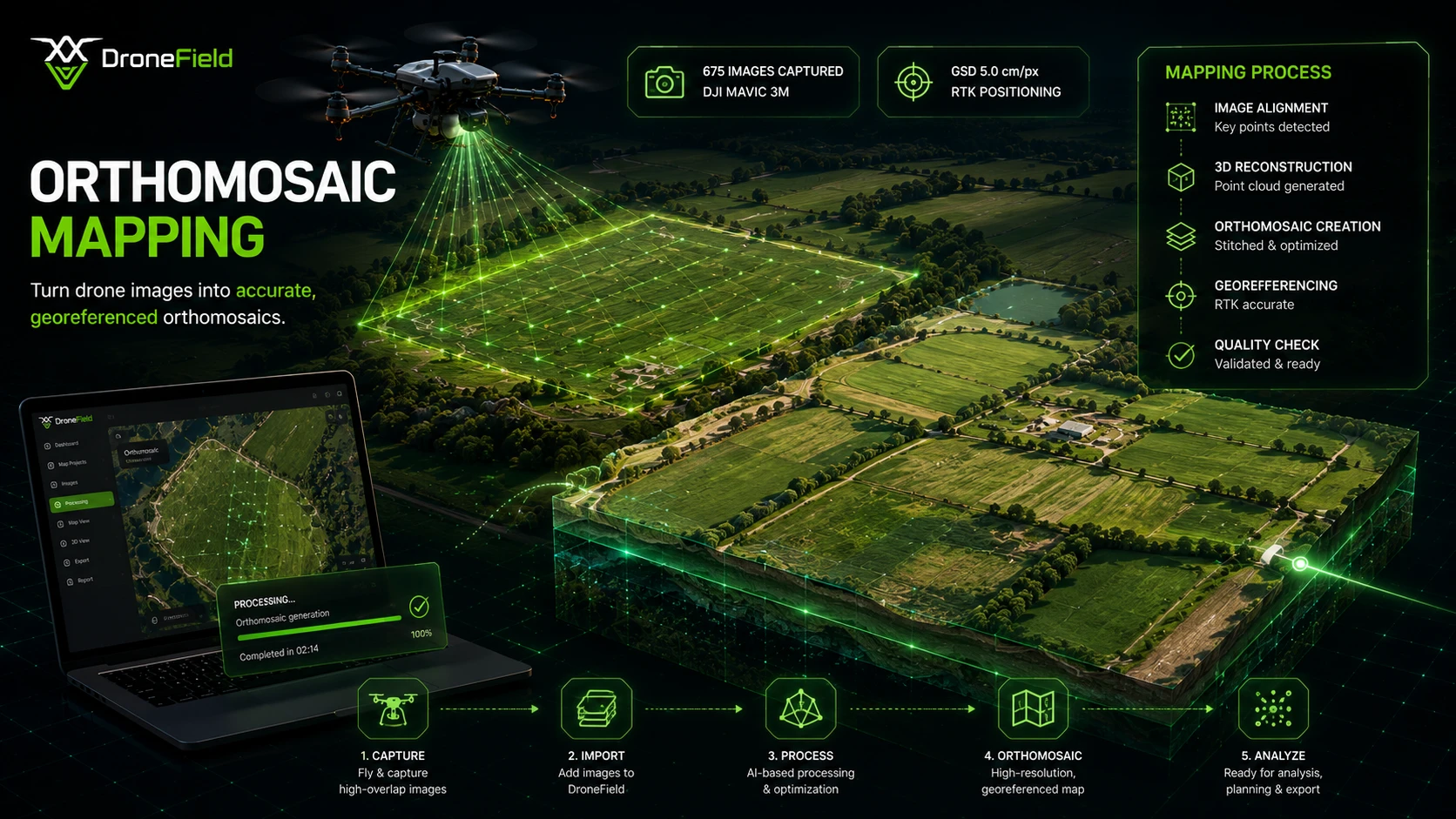
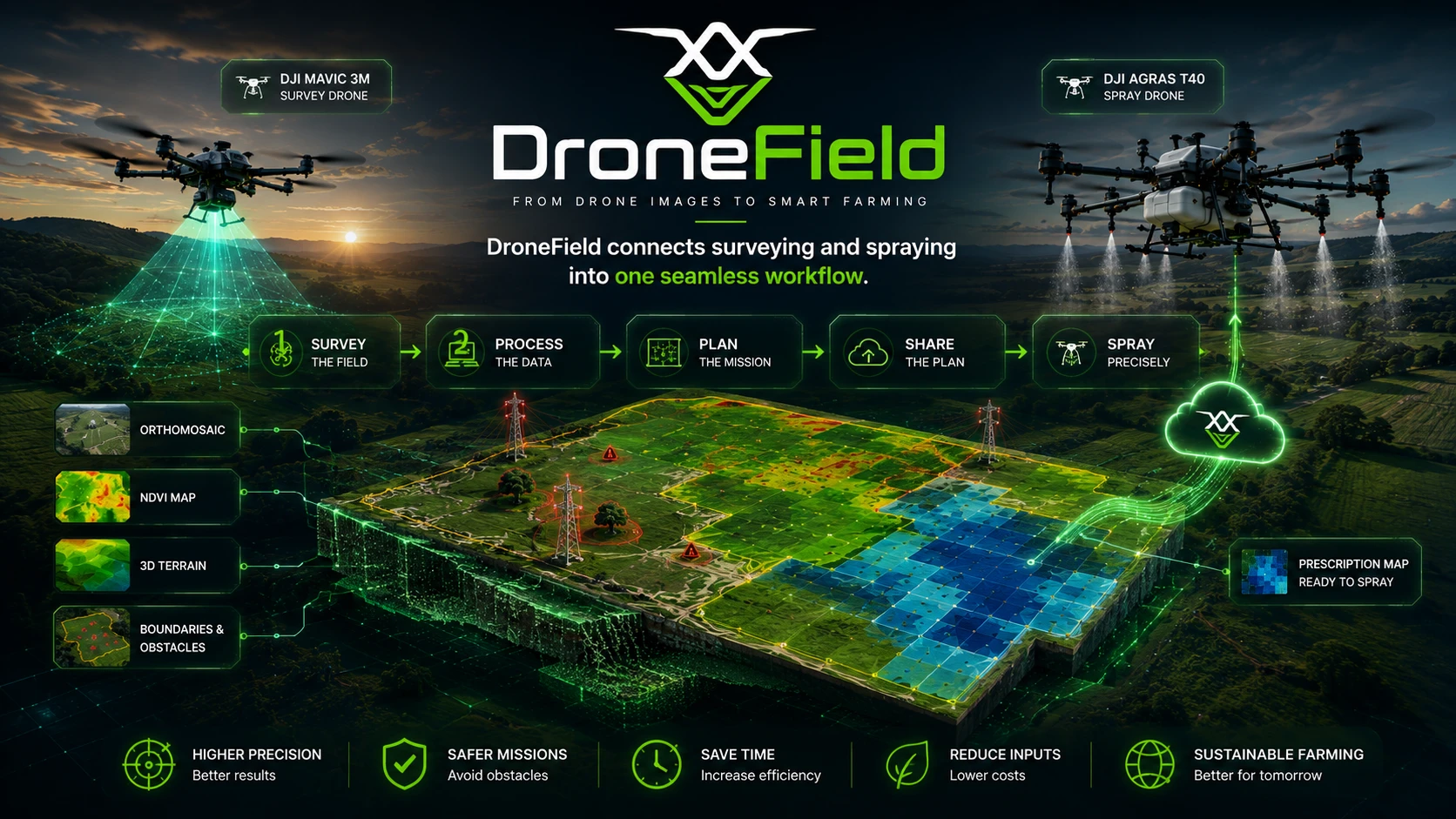
Feature lists are easy to write and hard to verify, so here is the one number we encourage you to test yourself: DroneField processes 1,800 DJI P4 Multispectral images into a finished orthomosaic in roughly 18 seconds, on an ordinary laptop, completely offline. That single benchmark shapes how every other feature is used — because when processing takes seconds instead of hours, mapping stops being an office task and becomes something you do at the field edge, between flights.
Every capability below runs locally on macOS, Windows, and Linux. Nothing is uploaded, nothing is queued, and there are no per-hectare processing fees. You can start with the drone mapping software overview if you want the full workflow story rather than the feature-by-feature view.
Local Desktop Processing vs Cloud Platforms
Most drone mapping products are cloud services: you upload imagery, wait for remote processing, and pay a recurring subscription sized for enterprise users. DroneField takes the opposite architecture, and the difference is practical, not philosophical:
| Criteria | DroneField (local) | Typical cloud platform |
|---|---|---|
| Processing time (1,800 multispectral images) | ~18 seconds | Hours, including 20–40 GB upload |
| Internet required | No — fully offline processing | Yes, fast upload connection essential |
| Where your field data lives | On your own computer | Vendor's cloud servers |
| Cost model | Annual subscription or one-off project license | Monthly/annual subscription, often per-hectare tiers |
| Works at the field edge | Yes — process in the truck | Only with strong mobile coverage |
| Spray drone flight plan handoff | Built in (boundaries + obstacles + prescription) | Usually manual re-import |
For head-to-head comparisons with specific products, see DroneField vs Pix4DFields and DroneField vs DroneDeploy.
Complete Output Set From One Processing Run
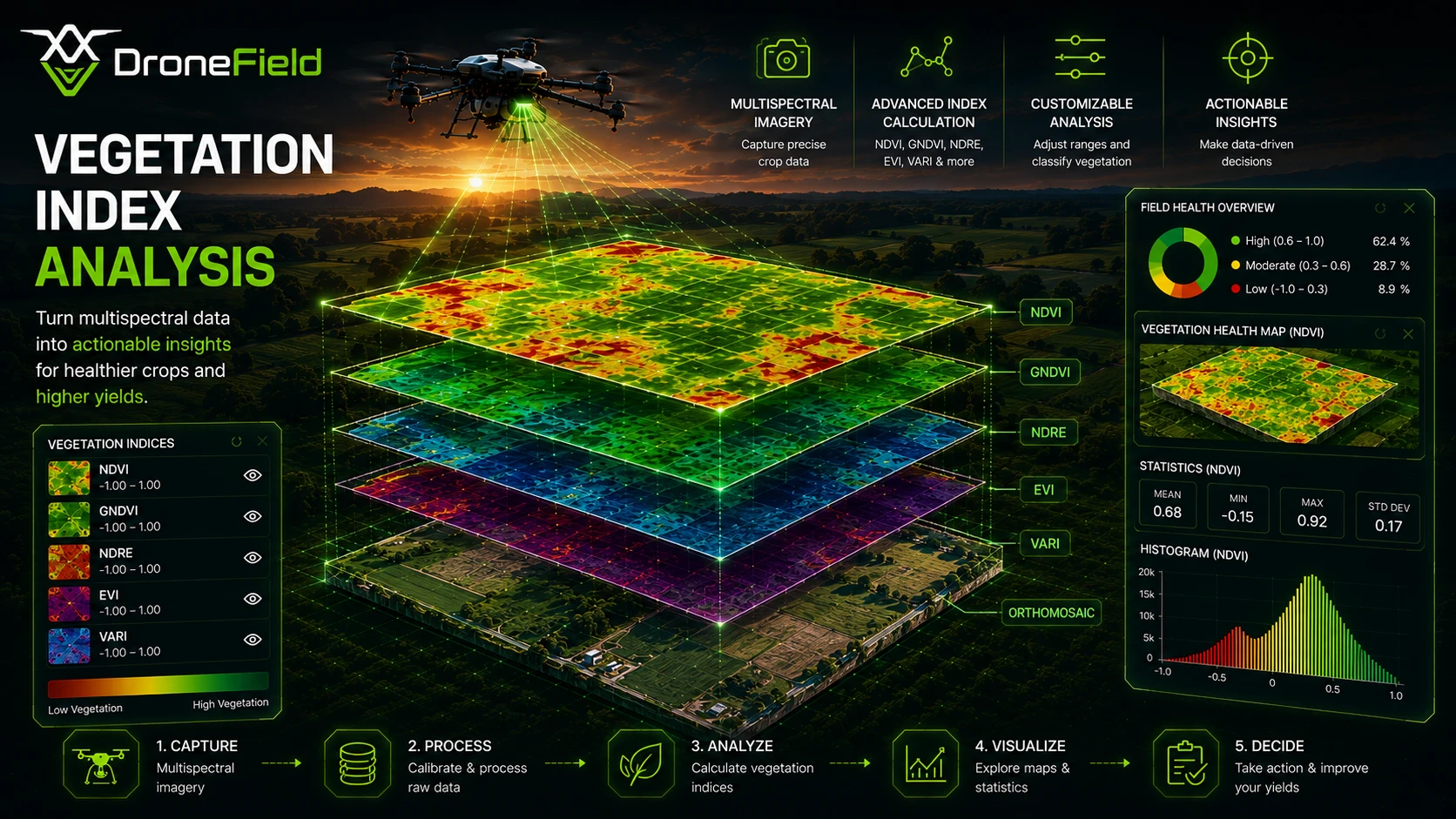
A single processing run produces the full analytical stack: a georeferenced orthomosaic (2–5 cm absolute accuracy with RTK drones), a digital surface model for slope and drainage analysis, a 3D sparse point cloud, and five vegetation indices — NDVI, NDRE, GNDVI, EVI, and VARI — computed simultaneously, so comparing early-season NDVI against closed-canopy NDRE is one click, not a reprocessing job. Our guide to understanding vegetation indices explains which index answers which agronomic question.
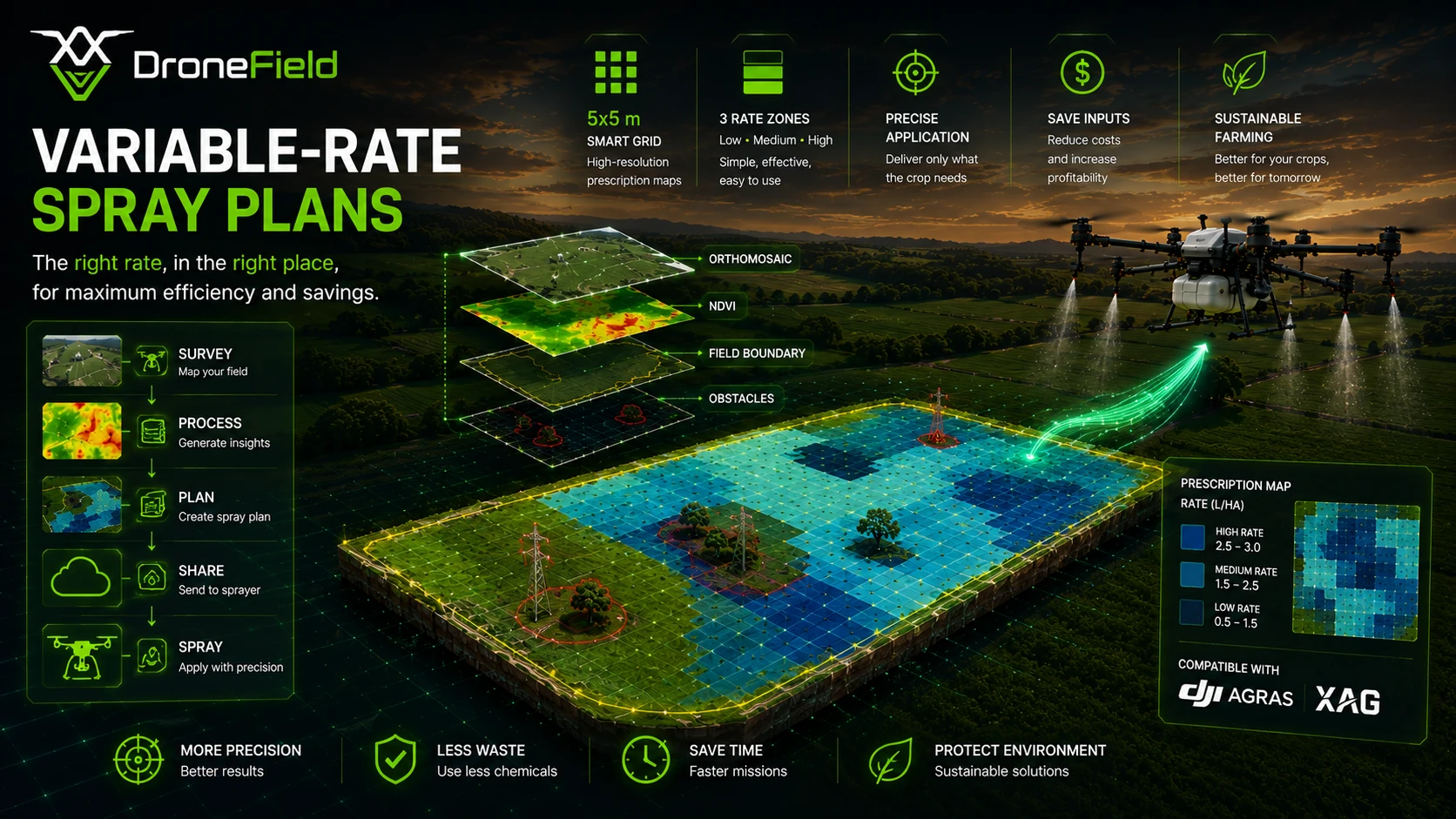
Index layers classify into management zones, and zones export as variable-rate application maps in the formats spray equipment actually reads: DJI Agras (T100 and the full Agras series), XAG, Hardi, ISOXML for ISOBUS terminals, and Shapefile for GIS tools and other machinery software.
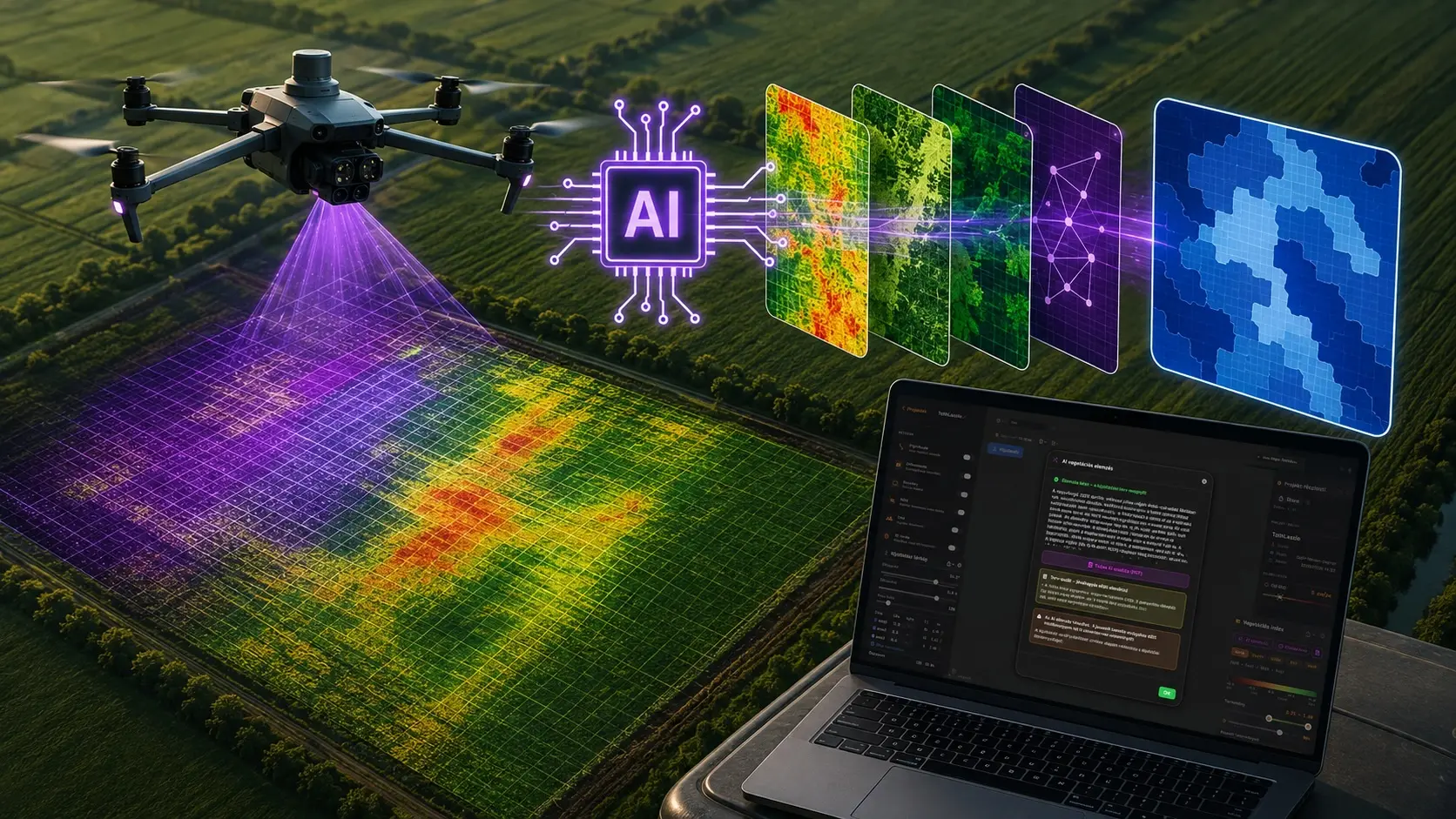
New in version 26.4: AI vegetation index analysis. A short wizard — crop, sowing date, treatment type, applicator — and the Luna assistant selects the most informative index, zones the field, proposes per-zone doses with an agronomic explanation, and generates a PDF report with an expert-approval block. It is decision support, not a prescription: an agronomist signs off before anything flies. Details in the AI analysis documentation.
Supported Drones
Survey drones
DJI Mavic 3 Multispectral, DJI P4 Multispectral, DJI P4 RTK, DJI Mavic 3E, and any DJI RGB drone. Since version 26.4, the DJI M300 / M350 RTK with the Zenmuse P1 full-frame camera is supported in beta for RGB orthomosaic creation. Multispectral platforms unlock the full index set; RGB drones (including the P1) produce orthomosaics, elevation models, and the VARI index. Details on band handling are on the multispectral drone mapping page.
Spray drones and application equipment
DJI Agras T100 and the full Agras series, XAG, and ABZ Innovation receive flight plans and prescriptions directly; Hardi, ISOXML, and Shapefile exports cover ground sprayers and spreaders.
Team Features: Two Pilots, One Farmer, One Project
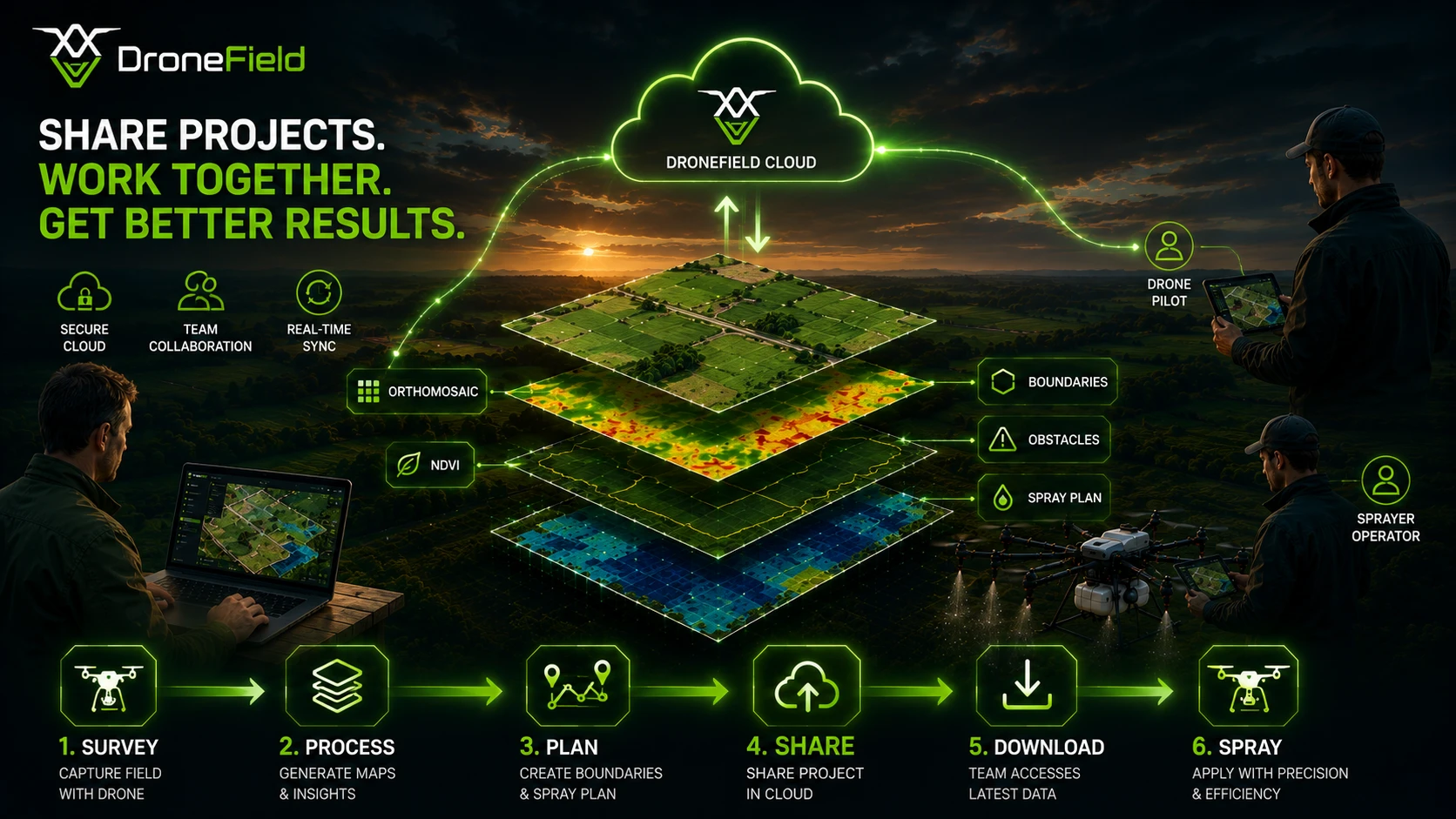
DroneField was built inside a commercial spray operation, and its collaboration features mirror how that work is actually divided. Project sharing lets a monitoring pilot process a survey and send the spray pilot a ready flight plan — field boundaries, obstacles marked on fresh imagery, and the variable-rate prescription — with nothing to re-draw. The farmer portal gives your client a visual report of their own field from above: stress zones, treated areas, results. The complete flow is documented in the spray drone survey workflow use case, and step-by-step instructions live in the project sharing documentation.
Licensing is deliberately simple: an annual subscription for operators who fly all season, or a one-off project license when you only need to process a single survey. Either way, the trial processes a full real project — start with your own field data.